Industry's First AI-Powered
Artificial intelligence Interactive Display
Elevate your teaching experience with the industry's first AI-powered interactive display, designed to transform classrooms into dynamic learning environments. This innovative display is bundled with advanced AI capabilities and Google services, making it an essential tool for modern educators.
Full Access to
Google Playstore
The IntraEdu A10 Pro delivers an exceptional classroom experience by seamlessly integrating advanced hardware and software with official Google education services.
Advanced Security with IntraEdu
With Android™ built for enterprise and education, your institution is protected with a suite of device management and monitoring tools provided by IntraEdu.
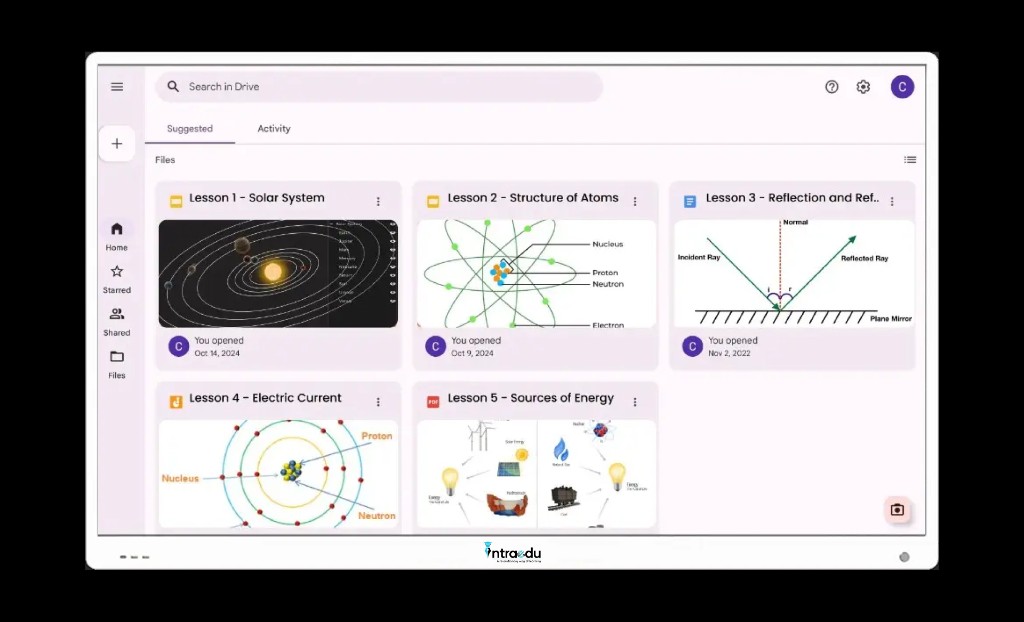
Access your Files Directly
Google Drive integration lets you access and save files to your cloud storage directly from the board.
Whiteboarding Tool Features
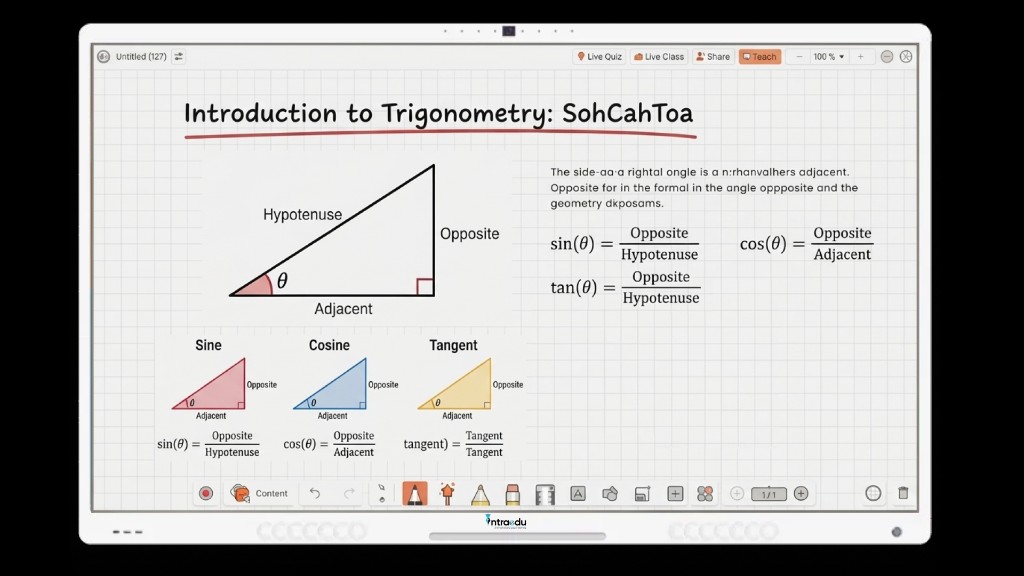
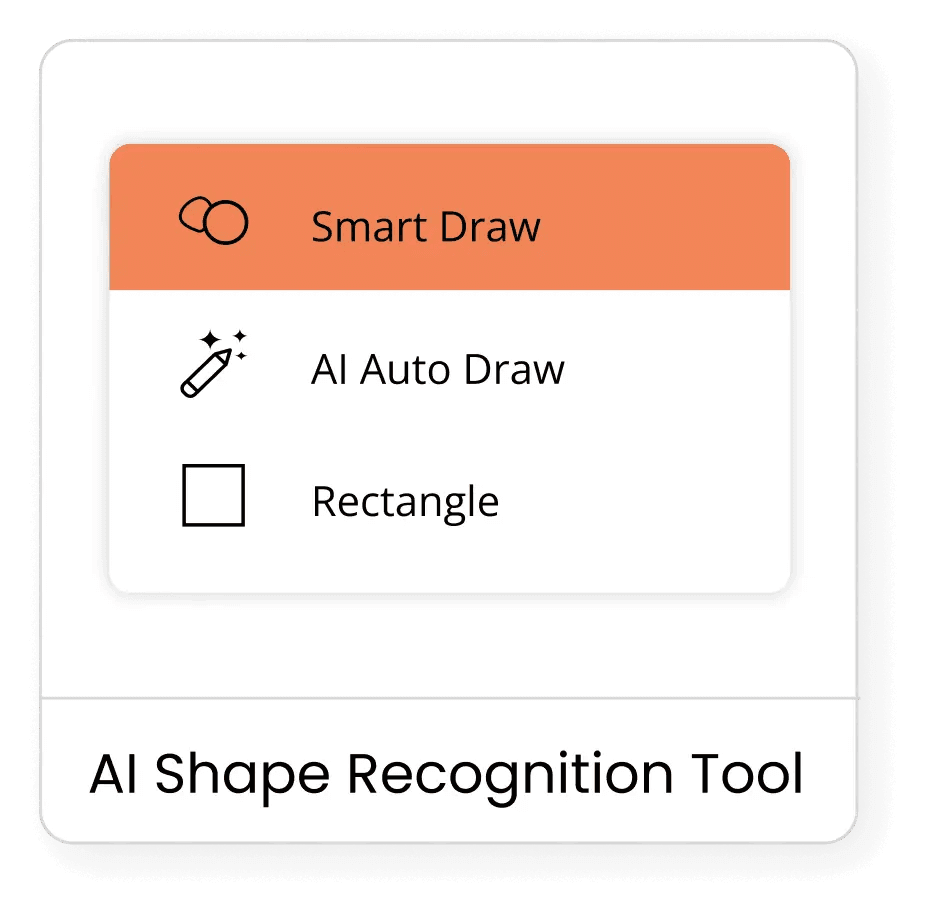
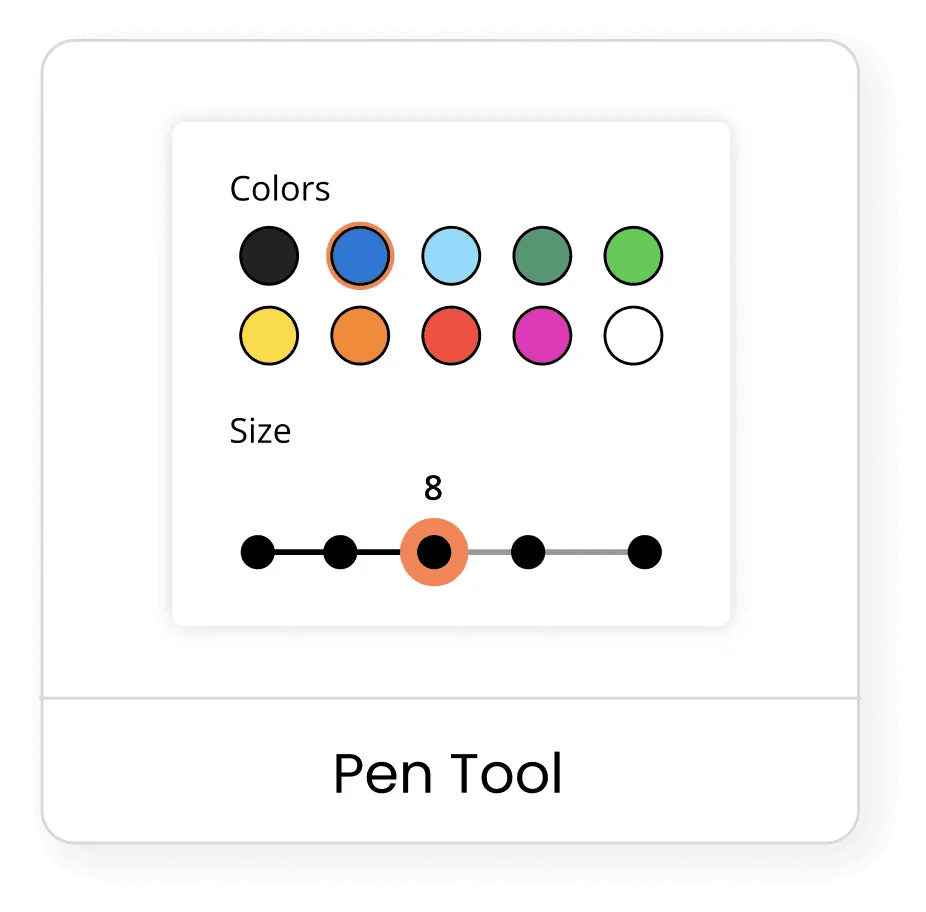
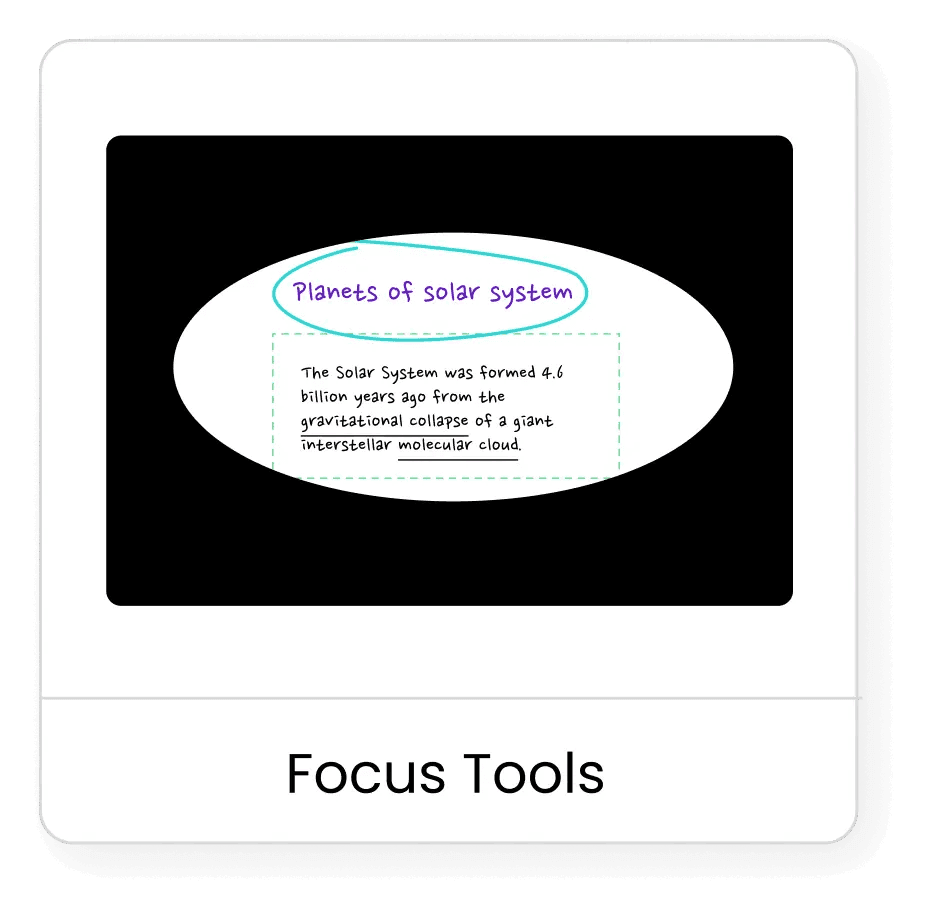
The IntraEdu IFP's digital whiteboard application is a revolutionary tool, integrating creative, focus, and presentation tools with cloud search and Bright AI for instant content display. It enables virtual teaching for remote and in-class students, fostering blended learning. The collaborative whiteboard promotes engagement and content-sharing capability enhance knowledge retention.
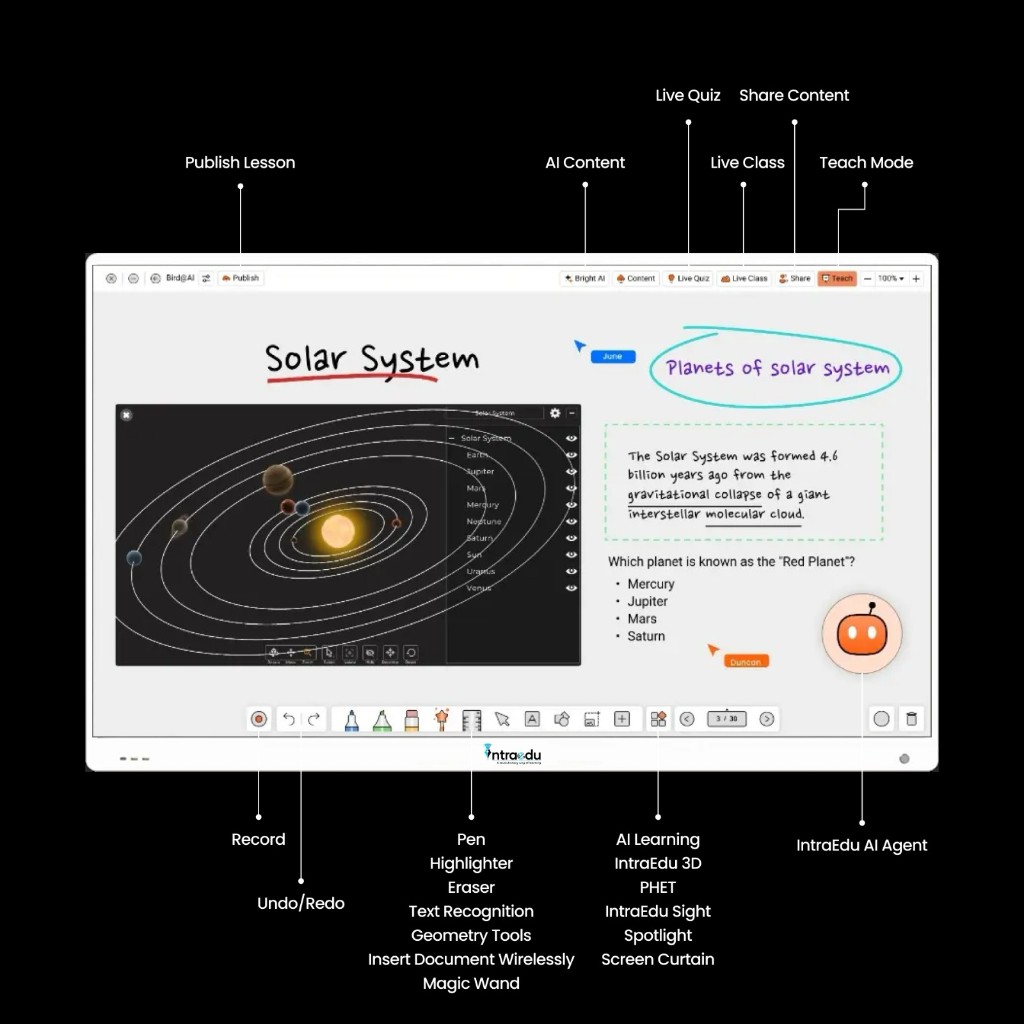
BrightClass Software Features
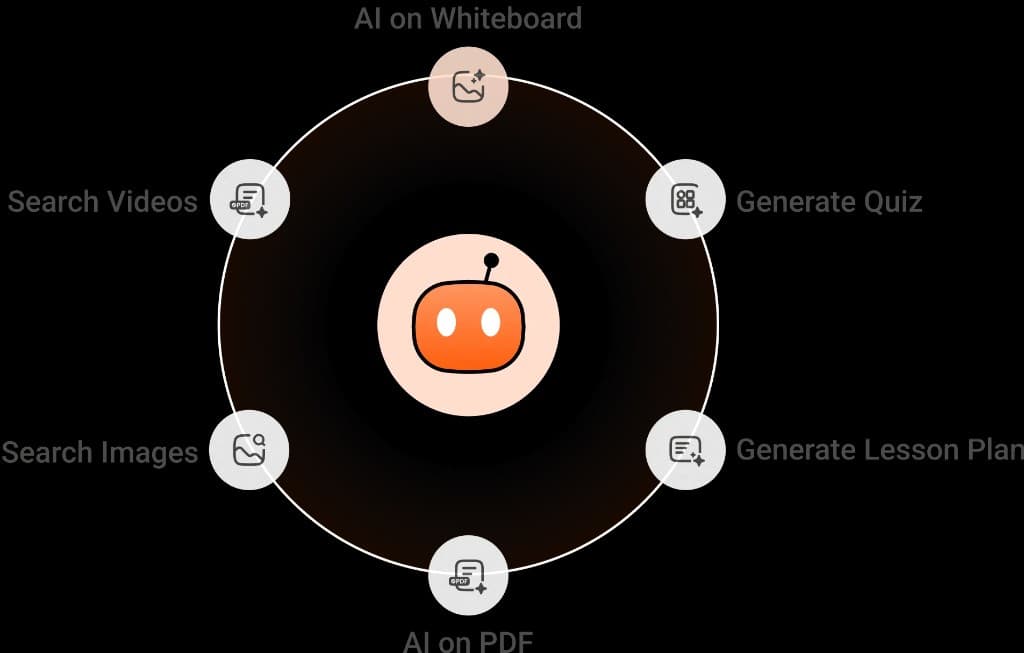
BrightAI Agent enhances educational experiences by generating lessons, quizzes, and summaries. It searches for relevant images, videos, and text, applying AI to PDFs and YouTube videos to extract key points and translate available text.
Active Learning Games: IntraEdu A10 Pro empowers teachers to create engaging, concept-specific games. This adaptive feature transforms learning into an interactive, enjoyable experience, encouraging active participation and deeper understanding of complex topics through gamified education.
BrightAI Agent
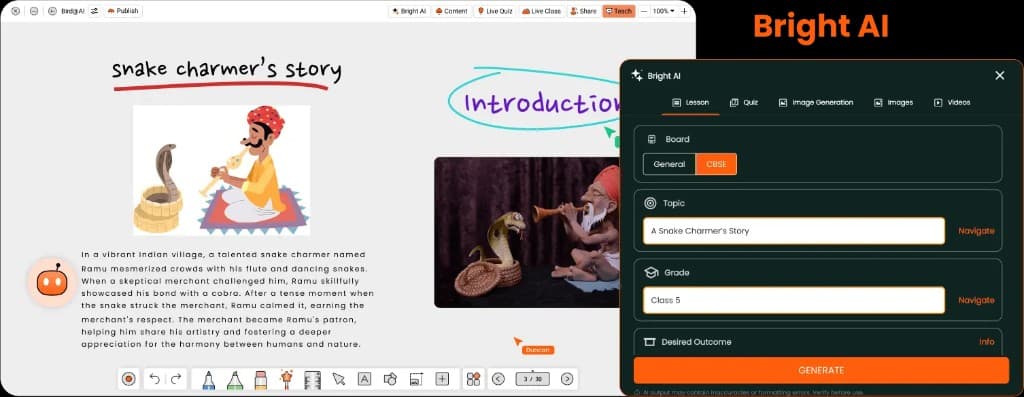
Lesson Creation
Create editable lessons with multimedia and quizzes using BrightClass AI, aligned with the 5Es framework.
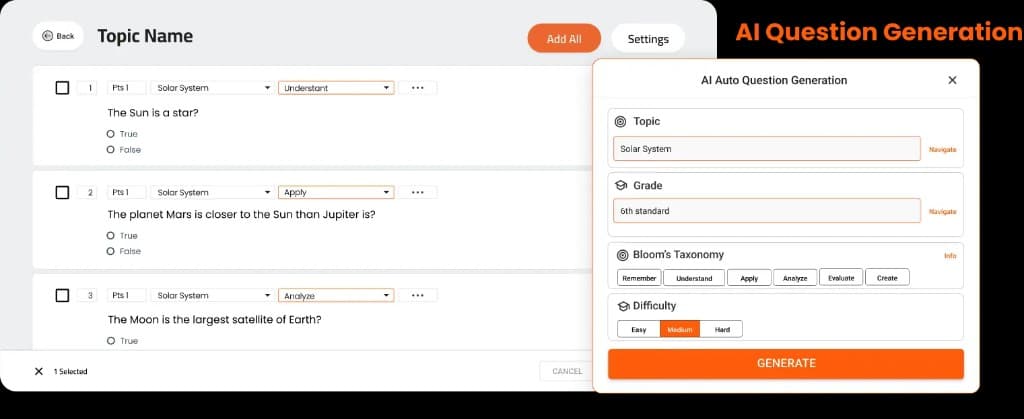
Assessment Creation
Know your students' progress and understanding with the object-specific quick AI assessment creation tool.
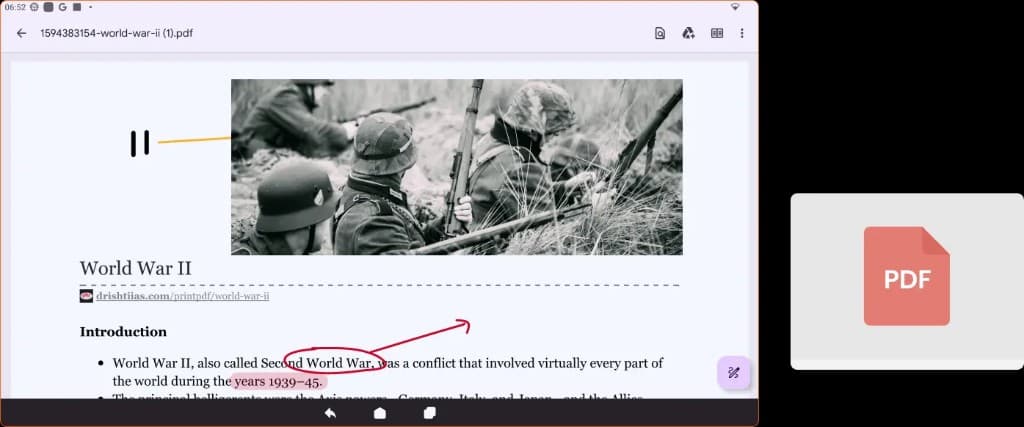
PDF Annotation
Teachers can annotate on PDFs, with notes saved even after scrolling.

Youtube Full screen
Enjoy YouTube videos in full-screen mode with stunning clarity. You can pause, play, and annotate the video in real-time.
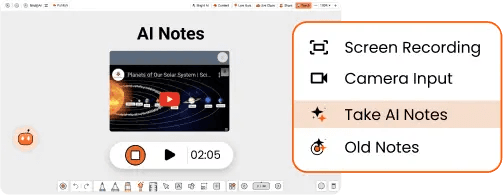
Class IQ
Class IQ lets teachers record sessions, share them, and quickly generate quizzes and summaries.
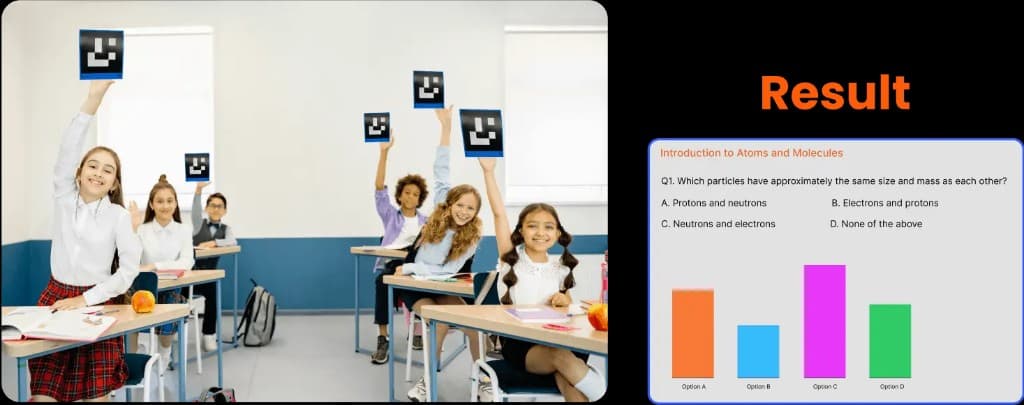
Offline Polling
Teachers can track student responses and run polls with fiducial markers, no need for costly clickers.
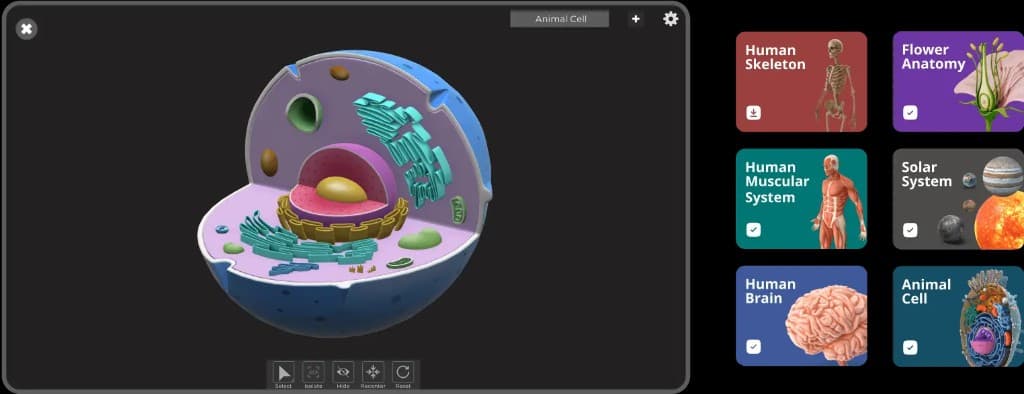
3D Tools
Interactive simulations and models visualizing complex concepts across science and math.
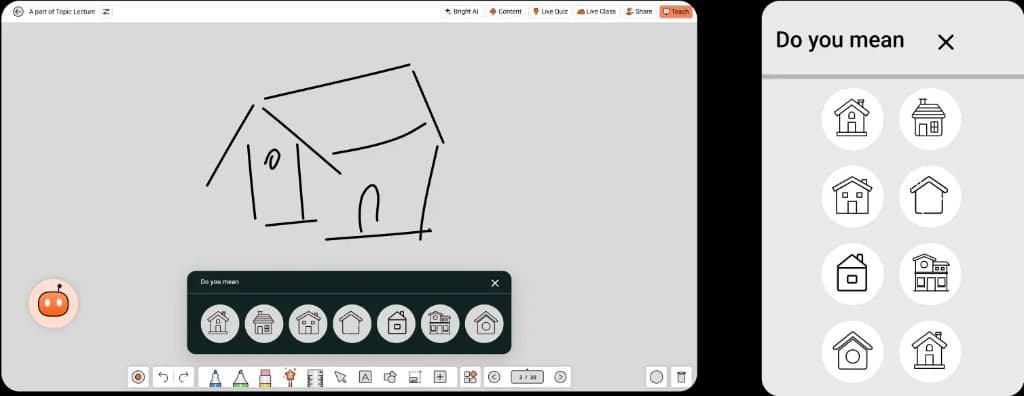
Magic Wand
Magic Wand suggests perfect figures as educators sketch on digital whiteboards.
IntraEdu Hardware Features
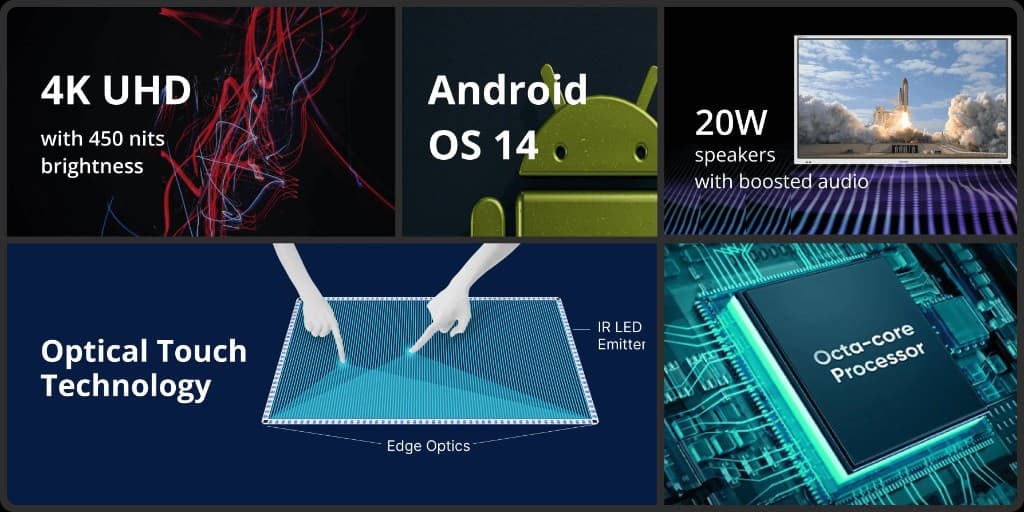
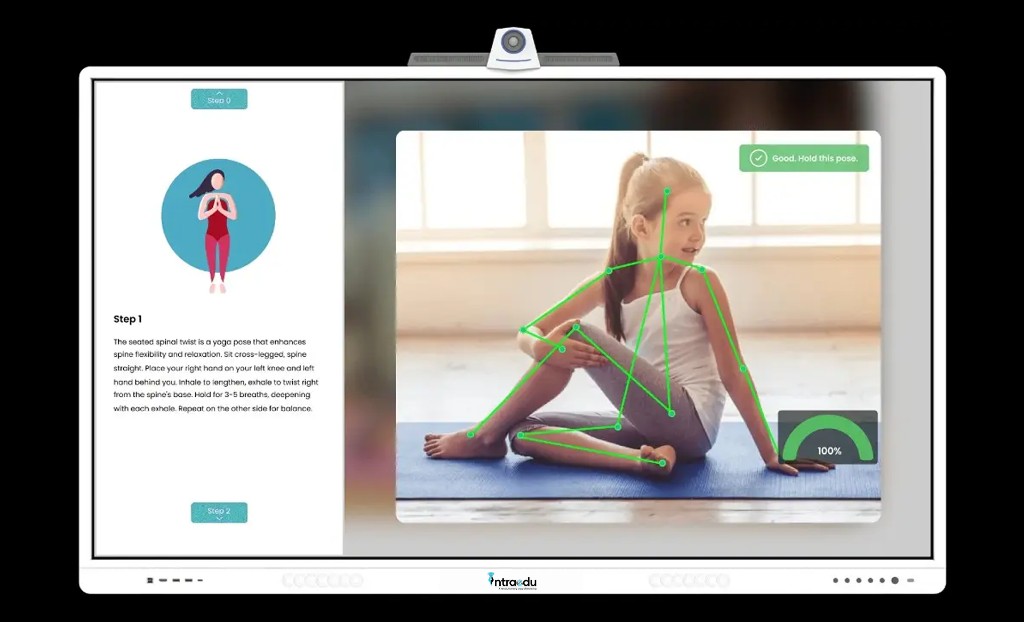
Advanced hardware featuring optical touch technology enables real-time, true zero-gap writing. Equipped with state-of-the-art Android 14 and octa-core processing capabilities, it also supports on-device AI processing.